
Mouse Sensitivity Converter
Convert game sensitivity settings between any games, calculate DPI, eDPI, FOV sensitivity, and master your aim with precision.
Sensitivity Converter
Instantly convert mouse sensitivity across different games and calculate advanced aim metrics
Convert Sensitivity Across Popular Games
Move between your favorite FPS games without starting from scratch. Convert your settings across popular competitive titles with a simple, easy-to-use workflow.
Keep Your Aim Consistent Across Games
Different games use different sensitivity scales and input systems. Our converter helps you quickly find an equivalent setting so you can spend less time calculating and more time playing.
Consistent Aim
Maintain a familiar mouse feel when switching between games.
Instant Conversion
Get your converted sensitivity quickly without manual calculations.
DPI-Aware
Use your mouse DPI to better understand your overall sensitivity setup.
Built for FPS Games
Designed around the needs of competitive and casual FPS players.
Convert Your Sensitivity in 3 Simple Steps
Choose Your Game
Select the game where your current sensitivity is configured.
Enter Your Settings
Enter your in-game sensitivity and DPI.
Get Your Conversion
Choose the target game and view your converted sensitivity.
What Is a Mouse Sensitivity Converter?
A mouse sensitivity converter helps players translate their settings from one game to another. Because games use different sensitivity scales and input systems, the same numerical sensitivity does not necessarily produce the same mouse movement.
Understand More Than Just Sensitivity
Your sensitivity number is only part of the equation. Explore other measurements that help you understand your complete mouse setup.
eDPI
eDPI combines mouse DPI with in-game sensitivity to provide a simple way to compare effective sensitivity.
DPI × In-Game Sensitivitycm/360°
The physical distance your mouse must travel to rotate your character 360 degrees.
Physical 360° distancein/360°
The same 360-degree measurement expressed in inches.
Imperial movement referencePopular Mouse Sensitivity Conversions
Built for Better FPS Settings
Trusted by FPS Players
A simple tool for players who care about consistent mouse control.
“Finally, a simple way to compare my sensitivity when switching between games. The workflow is much faster than calculating everything manually.”
ARAlex R., FPS Player“I like being able to look beyond the sensitivity number and understand things like eDPI and cm/360°.”
JMJordan M., Competitive Gamer“Clean interface, quick results, and exactly the kind of tool I want when setting up a new FPS.”
CTChris T., Gaming EnthusiastFrom Our Blog
Tips and guides to help you fine‑tune your mouse sensitivity across different platforms and games.
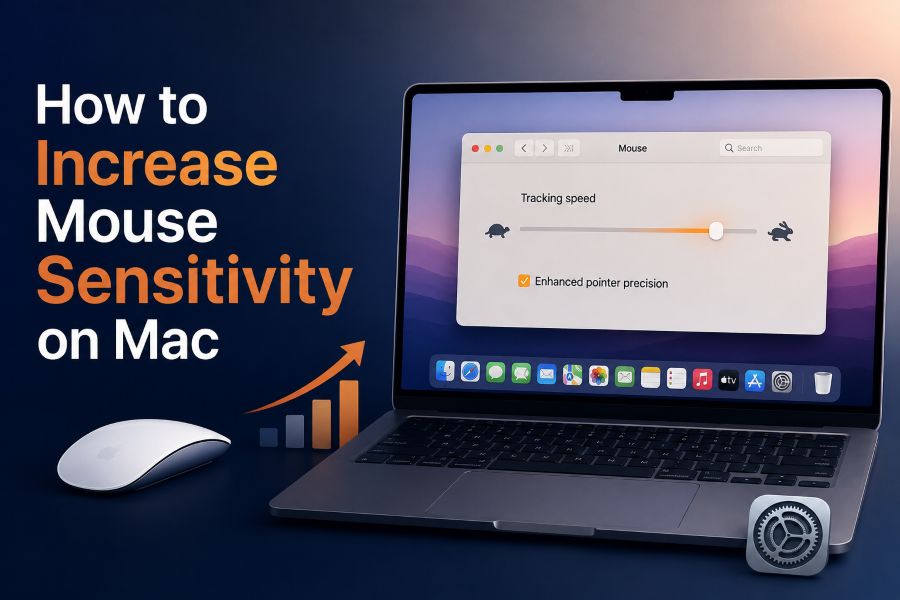
How to Increase Mouse Sensitivity on Mac
Learn how to adjust tracking speed, disable pointer acceleration, and fine-tune your Mac's mouse sensitivity for better control.
Read More
How to Fix Mouse Sensitivity Issues
Troubleshoot common mouse sensitivity problems, from inconsistent movement to acceleration overriding your in-game settings.
Read More
How to Adjust Mouse Sensitivity in Windows 11
Master your mouse settings in Windows 11—adjust pointer speed, enhance precision, and optimize for gaming performance.
Read MoreFrequently Asked Questions
A mouse sensitivity converter calculates an equivalent sensitivity between supported games so players can maintain a similar mouse movement experience.
Select your current game, enter your sensitivity and DPI, choose the target game, and review the converted result.
DPI affects your overall mouse input and is important when understanding metrics such as eDPI.
eDPI is a simple measurement commonly calculated by multiplying mouse DPI by in-game sensitivity.
cm/360° describes the physical distance your mouse needs to travel to rotate your in-game character 360 degrees.
Yes, supported game-to-game conversions can provide the equivalent sensitivity for your target game.
The core converter should be presented as a free-to-use utility without requiring users to register.
Not necessarily. Game FOV, mechanics, input systems, and other factors can influence how a sensitivity feels even when the conversion is mathematically equivalent.
Find Your Perfect Sensitivity Across Games
Stop guessing when you switch games. Convert your mouse sensitivity and start with a setting that feels familiar.